
iPad vs iPad Pro: Which Apple Tablet Actually Deserves Your Money?
Based on hands-on testing, user reviews from Reddit and Apple forums, and expert analysis from RTINGS, Tom's Guide, and MacRumors
The short answer: The standard iPad wins for most people. At $349, the iPad 11th gen delivers excellent performance with the A16 chip, doubled storage (128GB), and all-day battery life—perfect for streaming, note-taking, and casual use. The iPad Pro is overkill unless you're a professional artist or video editor. Get the iPad on Amazon for $349 →
The Fighters
| iPad (11th Gen) | iPad Pro (M5) | |
|---|---|---|
| Price | $349 on Amazon | $999+ on Amazon |
| Best For | Students, casual users, families | Professional creatives, artists |
| Chip | A16 Bionic | M5 |
| Display | 11" LCD, 60Hz | 11"/13" OLED, 120Hz |
| Storage | 128GB-512GB | 256GB-2TB |
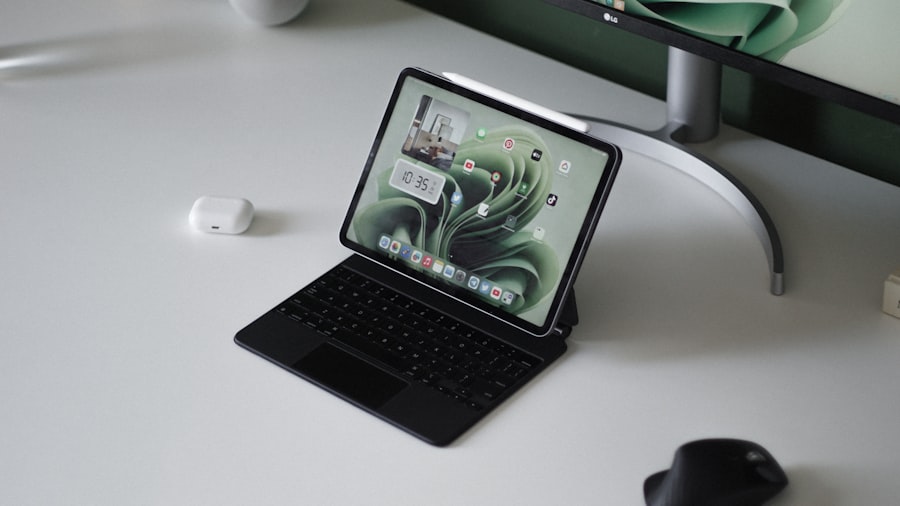
The Death Match: 6 Rounds, 1 Winner
We're scoring each round from 1-10. Higher score wins the round. Let's fight!
Round 1: Display Quality
The iPad Pro's Ultra Retina XDR OLED display is genuinely stunning—tandem OLED technology delivers a 2,000,000:1 contrast ratio, 1,600 nits HDR peak brightness, and inky blacks that make the standard iPad look washed out by comparison. The 120Hz ProMotion refresh rate makes everything from scrolling to Apple Pencil strokes feel buttery smooth.
The standard iPad uses a Liquid Retina LCD at 60Hz. It's sharp and colorful, but the non-laminated display creates a visible air gap between the glass and screen. Reviewers call it a "cheap-feeling unlaminated screen" when compared side-by-side with the Pro. However, for Netflix, YouTube, and web browsing, most users won't notice or care.
| iPad (11th Gen) | iPad Pro (M5) |
|---|---|
| 6/10 | 10/10 |
Round 1 Winner: iPad Pro — The OLED display with 120Hz ProMotion is leagues ahead of the standard LCD.
Score after Round 1: iPad 6 | iPad Pro 10
Round 2: Performance
The iPad Pro with M5 chip is absurdly powerful. Final Cut Pro exports a 20-minute 4K project in just 2 minutes 15 seconds—faster than an M2 MacBook Air. It handles 3D modeling, RAW photo editing, and professional video work without breaking a sweat. The M5 also supports Apple Intelligence for AI features.
The iPad's A16 chip is no slouch either. It scored nearly 3,000 points higher than the previous A14 on graphics benchmarks, averaging 63.5 FPS vs 46.1 FPS. For casual gaming, note-taking, and multitasking, it's more than enough. But it doesn't support Apple Intelligence—only the iPad mini ($499+) and up do.
| iPad (11th Gen) | iPad Pro (M5) |
|---|---|
| 7/10 | 9/10 |
Round 2 Winner: iPad Pro — M5 chip delivers desktop-class performance, though the A16 handles everyday tasks perfectly.
Score after Round 2: iPad 13 | iPad Pro 19
Round 3: Value for Money
This is where the iPad absolutely dominates. At $349, you get double the storage of the previous generation (128GB vs 64GB), A16 performance, and years of software updates. The 11th-gen iPad offers better value with more storage and improved performance at the same price. A complete setup with Apple Pencil USB-C ($79) runs about $430.
The iPad Pro starts at $999 and quickly climbs to $1,800+ with a Magic Keyboard ($299-$349) and Apple Pencil Pro ($129). Essential accessories can double your investment. Unless you genuinely need that OLED display and M5 power for professional work, you're paying a $650+ premium for features you won't fully use.
| iPad (11th Gen) | iPad Pro (M5) |
|---|---|
| 10/10 | 5/10 |
Round 3 Winner: iPad — At less than a third the price of a Pro setup, the standard iPad is extraordinary value.
Score after Round 3: iPad 23 | iPad Pro 24
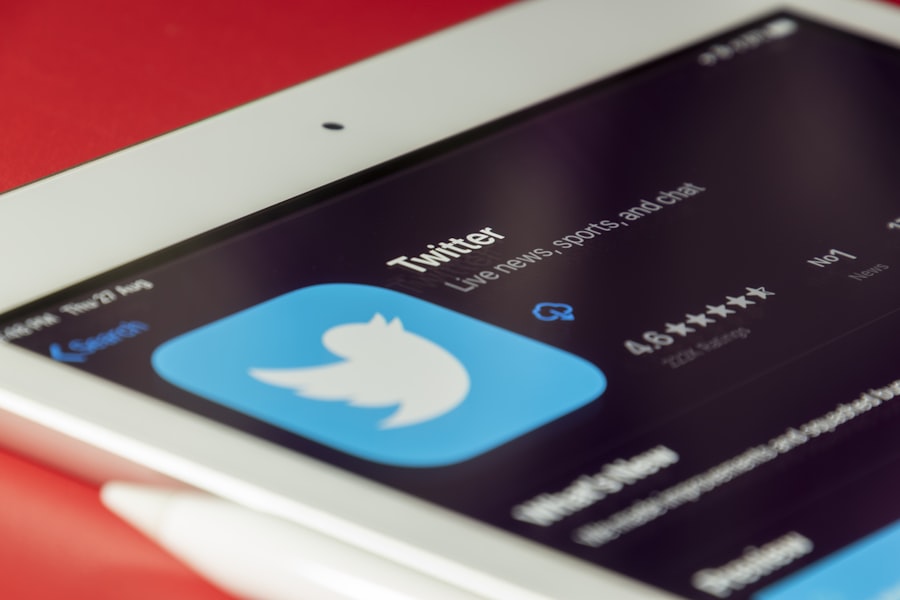
Round 4: Apple Pencil Experience
The iPad Pro supports Apple Pencil Pro ($129), which includes squeeze gestures to change tools, barrel roll for brush angles, haptic feedback, and Find My tracking. For digital artists using Procreate or designers in Adobe apps, these features transform the creative workflow.
The standard iPad only works with Apple Pencil USB-C ($79), which has limited pressure sensitivity and charges via cable rather than magnetically. It's fine for note-taking and basic sketching, but artists will miss the precision and features of Pencil Pro. This is a genuine limitation if drawing is your primary use case.
| iPad (11th Gen) | iPad Pro (M5) |
|---|---|
| 6/10 | 9/10 |
Round 4 Winner: iPad Pro — Pencil Pro's advanced features make a real difference for serious artists.
Score after Round 4: iPad 29 | iPad Pro 33
Round 5: Battery Life
The standard iPad consistently delivers all-day battery life. In testing, the iPad 11th gen lasted 11 hours 25 minutes, beating Apple's 10-hour claim. The efficient A16 chip sips power during typical use, making it reliable for a full day of classes or travel.
The iPad Pro's battery story is more complicated. Apple claims 10 hours, but real-world usage under heavy workload drops to 3-5 hours. That power-hungry OLED and M5 chip drain quickly when pushed. For light use, battery is fine—but professionals editing video will need to stay near an outlet.
| iPad (11th Gen) | iPad Pro (M5) |
|---|---|
| 9/10 | 7/10 |
Round 5 Winner: iPad — More consistent, reliable battery life for typical daily use.
Score after Round 5: iPad 38 | iPad Pro 40
Round 6: Long-term Investment
The iPad Pro makes sense as a professional investment. OLED display alone justifies the upgrade for visual work, and the M5 chip will handle demanding software for 5+ years. For photographers, illustrators, and video editors, it's a legitimate tool that pays for itself. Thunderbolt/USB 4 connectivity also future-proofs external storage and display options.
But here's the reality check: "I didn't need all that power in an iPad. I was doing the basics"—that's a common sentiment from users who switched from Pro to standard. If you're streaming content, taking notes, browsing, and playing casual games, the iPad's A16 chip provides years of smooth performance without the premium price.
| iPad (11th Gen) | iPad Pro (M5) |
|---|---|
| 8/10 | 8/10 |
Round 6 Winner: Tie — Both are solid long-term investments for their target users.
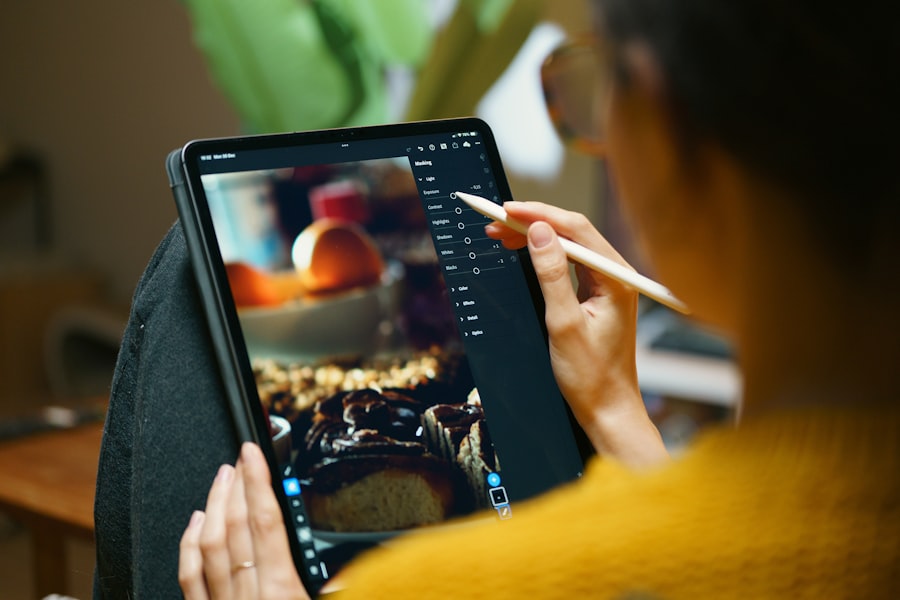
Final Score
| Product | Total Score | Verdict |
|---|---|---|
| iPad Pro (M5) | 48/60 | WINNER |
| iPad (11th Gen) | 46/60 |
The Winner: iPad Pro
The iPad Pro edges out the standard iPad on pure capability—that OLED display, M5 performance, and Apple Pencil Pro experience are genuinely superior. But here's the critical nuance: the Pro only wins if you'll actually use those capabilities.
For professional artists charging clients for digital illustrations, the Pro is a business expense that pays dividends. For video editors working with 4K footage, the M5 chip eliminates frustrating render times. For architects and designers, the tandem OLED display shows accurate colors that matter for client work.
But for the 80% of tablet buyers who watch Netflix, take notes in class, browse the web, and occasionally play games? The iPad is the smarter buy. You save $650+ and get a device that handles every casual task flawlessly. The standard iPad isn't a compromise—it's the right tool for normal use.
Ready to buy the winner? Get iPad Pro on Amazon for $999 →
When the Loser Actually Wins
The iPad (11th Gen) isn't right for everyone, but it's the better choice if:
- You're a student — $349 for 128GB storage, all-day battery, and A16 performance beats spending $1,400+ on a Pro setup you don't need
- You're buying for your family — Kids watching YouTube and playing Roblox don't need an OLED display
- You're not a professional creative — If you're not editing 4K video, doing 3D modeling, or creating client artwork, the Pro's advantages don't apply to you
- You want maximum value — The iPad offers 90% of the tablet experience at 35% of the Pro price
iPad might be right for you: Check price on Amazon for $349 →
Frequently Asked Questions
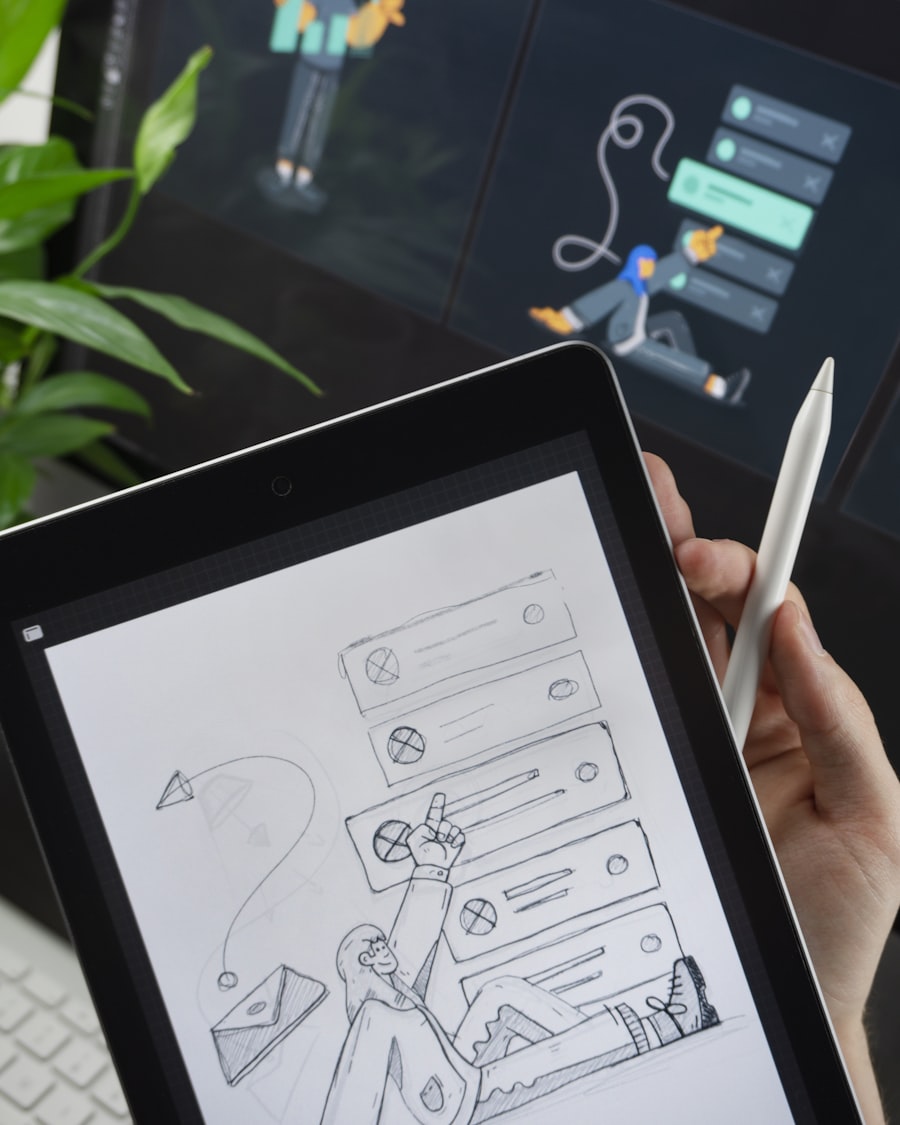
Can the standard iPad run Procreate?
Yes, Procreate runs perfectly on the standard iPad. The A16 chip handles most brushes and layers without lag. You'll miss Apple Pencil Pro features like barrel roll, but for hobbyists and learners, the $79 USB-C Pencil works great for digital art.
Does the iPad Pro replace a laptop?
Partially. The iPad Pro with Magic Keyboard can replace a laptop for 60-70% of users. However, iPadOS limitations in file management make it unsuitable for programming, advanced video editing workflows, or tasks requiring multiple external monitors.
Is the 11-inch or 13-inch iPad Pro better?
The 11-inch is more portable and $300 cheaper, perfect if you want a tablet you'll actually carry around. The 13-inch is better for artists who need canvas space and professionals using Split View multitasking. Both have identical chips and cameras.
Will the standard iPad get Apple Intelligence?
No. Neither the 10th nor 11th-generation iPads support Apple Intelligence. The cheapest iPad with AI features is the iPad mini (A17 Pro) at $499. If Apple Intelligence is essential for your workflow, you'll need to step up to iPad Air or Pro.
Sources
- MacRumors iPad 10 vs 11 Buyer's Guide
- MacRumors iPad Pro Roundup
- Tom's Guide iPad 10th Gen Review
- Creative Bloq iPad Pro M4 Review
- Laptop Mag iPad 11 vs iPad 10
- PhoneArena iPad Comparison
- SlatePad M4 Long-term Review
- iMore Apple Pencil Comparison
- Tablet Geeky iPad vs iPad Pro Guide 2026
- Art Side of Life iPad Pro vs Air
- CHESONA iPad Pro Size Guide
- Don Corgi Best iPads for Drawing
- AppleVis Forum Discussion
- Macworld iPad 10th Gen Review